Pages

 1

 2

 3

 4

 5

 6

 7

 8

 9

 10

 11

 12

 13

 14

 15

 16

 17

 18

 19

 21

 22

 23

 24

 25

 26

 27
Page 1 — Art
This leads the illustration, with the story text as background. It's saved with the page — press Generate or Re-imagine to use it.

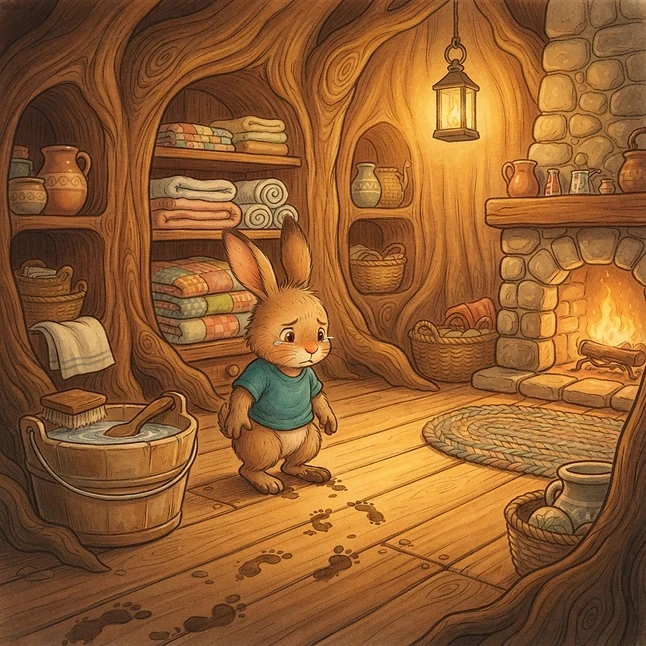
Art slides
Extra moments of this page's scene — up to two. Pick the sentence each slide should turn on: the illustration switches right as the narration reads it. The main art above is slide 1, and the final slide holds until the page turns.

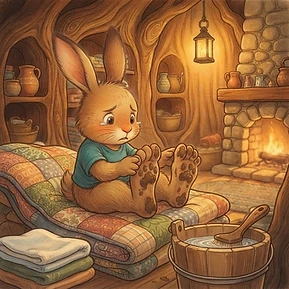

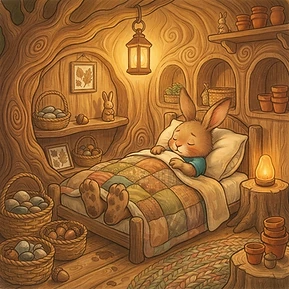
Audio
All the sound for this story in one place: the narration voice, the intro and ending, the story-wide mood, music and ambience, then word-cued effects for each page.
Whole story
Page 1 — word triggers
Animation triggers
click a word to mark itClick a word (or the space just before it) in the narration below to set where something happens. Each marker can turn an art slide in, play an animation over the artwork, play a sound effect, or start a music track or ambience loop from the Sound Library — it fires the moment the narration reaches that word. Sound effects can be a built-in (thunder, splash, chirp, knock, creak, whoosh, drip, crackle, chime) or any recording from the Sound Library; a music or ambience marker loops its track until it ends or fades out at its chosen end word. A library recording can also stop early: choose the word it should end on and it fades out automatically as the narration reaches it. Marked words carry a badge: S2/S3 turns in Slide 2/3, Sp, Gl, Sh, Fl play Sparkle, Glow, Shake or Lightning flash, and the sfx badge shows which sound plays.
Hidden clickable objects
Click the art to drop oneNo hidden objects yet.
Choices (branching paths)
No choices = the end of this pathNo choices — readers reach "The End" here.